Your PDF behind a QR code.
Upload a PDF, style the page in your colours and print the code. New version? Swap the file – the code on the table, sign or flyer stays the same.
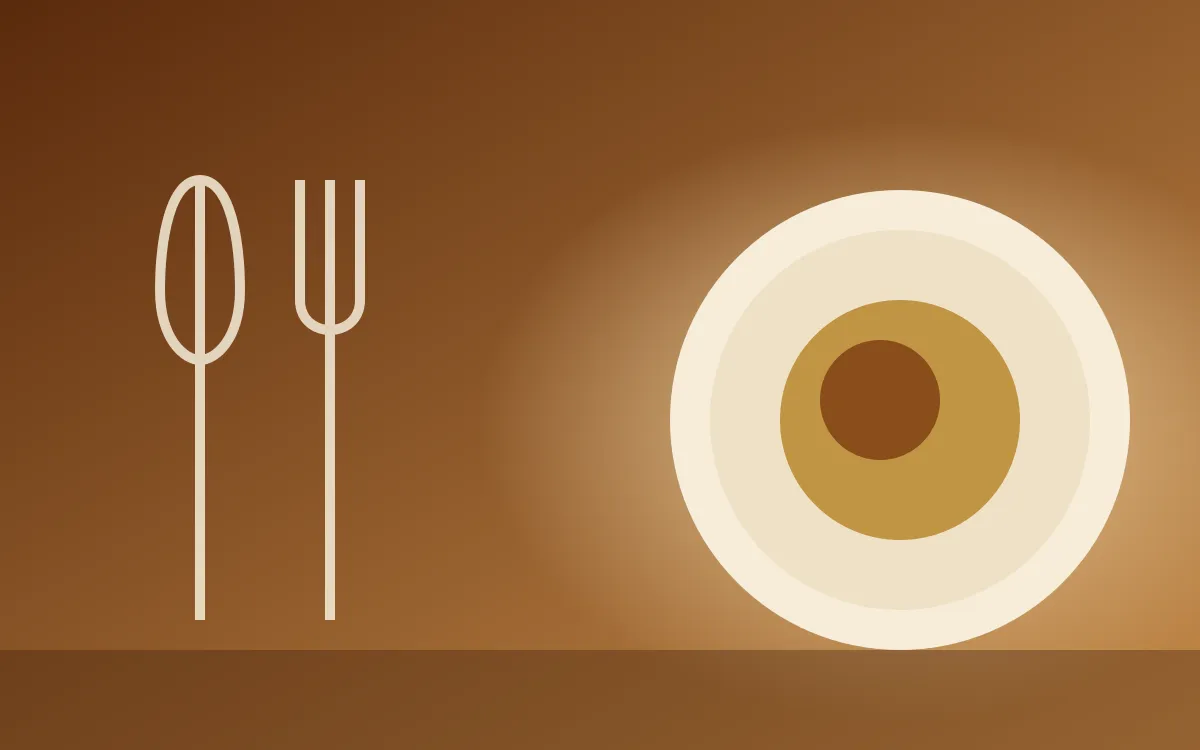

New menu, same code.
Prices changed, programme moved? Upload the new file. Anyone who scans sees the current version right away – no reprinting needed.
With a landing page or direct.
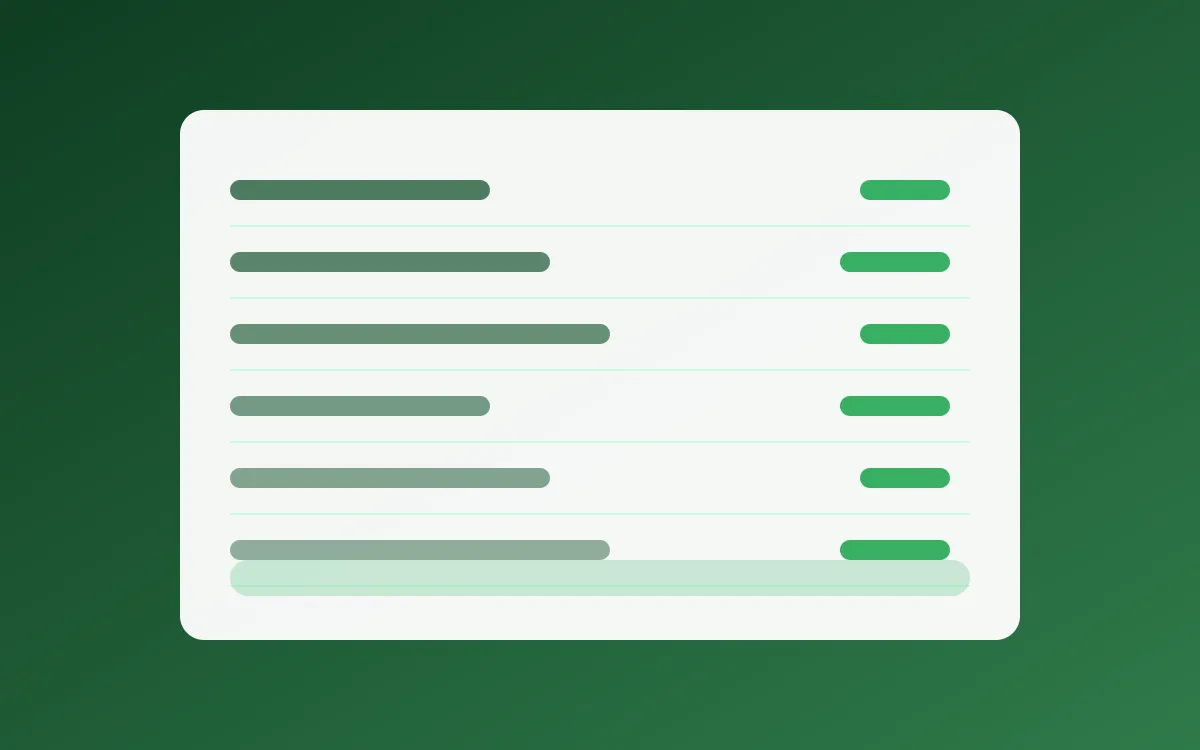
Show your PDF on a designed page with logo, title and up to 10 documents – or open the file straight after the scan.
Ready-made templates for your industry.
Pick a template, swap texts and images and upload your PDF. You adjust colours, fonts and logo in the editor.







- 50 MB
- per PDF – enough for illustrated menus and catalogues.
- 10 documents
- on one page, e.g. food, drinks and wine list.
- Your branding
- Logo, colours and fonts that match your brand.
- Scans at a glance
- See in the dashboard how often your code is scanned.
One PDF, many places.
Restaurants & cafés
The menu on the table, updated each season.
Learn moreReal estate
The exposé right on the for-sale sign.
Learn moreEvents
Programme and site map for your guests.
Learn more
- No app needed
- Works with any phone camera
- Printed code stays the same
Frequently asked questions
Yes. Upload a new file – the link, and with it the printed QR code, stays the same.
Ready for your first PDF code?
Pick a template, upload your PDF, print the code.